Soldering Basics: The Complete Beginner's Guide
Learn the fundamentals of soldering electronics, from choosing your first soldering iron to making clean through-hole and basic SMD joints.
 Build Coded Editorial
 Why Every Maker Needs to Know How to Solder
Breadboards and jumper wires are great for prototyping, but every serious electronics project eventually needs soldering. A soldered connection is permanent, reliable, and electrically superior to any temporary connection method. It is also one of those skills that feels intimidating until you actually do it, at which point you wonder why you waited so long.
This guide covers everything you need to make your first clean solder joints. Within an hour or two of practice, you will be comfortable enough to tackle real projects.
Materials and Tools You Need
Essential Tools
| Tool | Purpose | Budget Option | Cost |
|---|---|---|---|
| Soldering iron (temperature controlled) | Melting solder | Pinecil V2 | $25-30 |
| Solder (rosin core, 60/40 or 63/37, 0.8mm) | The joining material | Kester 44 | $10-15 |
| Brass wire tip cleaner | Cleaning the iron tip | Any brand | $5-8 |
| Soldering mat (silicone) | Protect your work surface | Heat-resistant mat | $8-12 |
| Helping hands / PCB holder | Holding your work steady | Third hand tool | $10-15 |
Nice to Have
- Solder wick — for removing excess solder
- Solder sucker (desoldering pump) — for fixing mistakes
- Flux pen — extra flux for stubborn joints
- Magnifying lamp or loupe — for inspecting joints
- Fume extractor or fan — directs solder fumes away from your face
Safety Equipment
- Safety glasses — solder can occasionally splatter
- Ventilation — work near an open window or use a fume extractor. Rosin flux fumes are an irritant and should not be inhaled directly.
Safety warning: A soldering iron tip reaches 300-400C (570-750F). It will instantly burn skin and ignite paper, fabric, and plastic. Always return the iron to its stand when not actively soldering. Never leave a hot iron unattended. Keep it away from edges where it could roll off a table.
Choosing Your First Soldering Iron
Skip the cheap $10 irons from the hardware store. A temperature-controlled iron is essential because different tasks require different temperatures, and a regulated iron maintains consistent heat as it transfers energy to the joint.
Best Budget Option: Pinecil V2 ($25-30)
The Pinecil V2 is a portable, USB-C powered soldering iron with full temperature control, a fast heat-up time (under 10 seconds), and interchangeable tips. It has become the go-to recommendation for beginners and experienced makers alike.
Best Bench Station: Hakko FX-888D ($100)
If you want a traditional bench-mounted station with a base unit, the Hakko FX-888D has been the industry standard for hobbyists and professionals for years. It is an investment, but one that will last decades.
Iron Tips
Your iron will come with a conical or chisel tip. For general through-hole work, a chisel tip (2-3mm wide) is ideal because it has more surface area to transfer heat quickly. Keep a conical tip for fine work and tight spaces.
Understanding Solder
Composition
For electronics work, use rosin-core solder in either:
- 60/40 (60% tin, 40% lead) — the classic. Melts at about 190C (374F). Forgiving and easy to work with.
- 63/37 — eutectic alloy that transitions directly from solid to liquid with no “pasty” stage. Slightly more predictable than 60/40.
About lead-free solder: Lead-free solder (typically SAC305, tin-silver-copper) requires higher temperatures and is less forgiving for beginners. Commercial products are legally required to use lead-free solder, but for hobby work, leaded solder is easier and produces better joints. Wash your hands after handling leaded solder, and do not eat at your workbench.
Diameter
Use 0.8mm (0.031”) diameter for most through-hole work. It is versatile enough for small and medium joints. For fine-pitch SMD, 0.5mm is better.
The Role of Flux
The rosin core inside your solder wire is flux. Flux does two critical things:
- Removes oxidation from the metal surfaces being joined.
- Promotes wetting — helps molten solder flow smoothly over the joint.
Without flux, solder will ball up and refuse to bond. This is why rosin-core solder is essential. If you are working on a stubborn joint or reflowing an old connection, extra flux from a flux pen helps enormously.
How to Solder: Step by Step
Preparing Your Iron
- Turn on the iron and set the temperature to 350C (660F) for leaded solder, or 370C (700F) for lead-free.
- Wait for it to reach temperature (10-60 seconds depending on your iron).
- Tin the tip: Touch solder to the hot tip until it is coated in a thin, shiny layer. This improves heat transfer and protects the tip.
- Clean the tip on your brass wire cleaner. You should see a bright, shiny surface.
Making a Through-Hole Joint
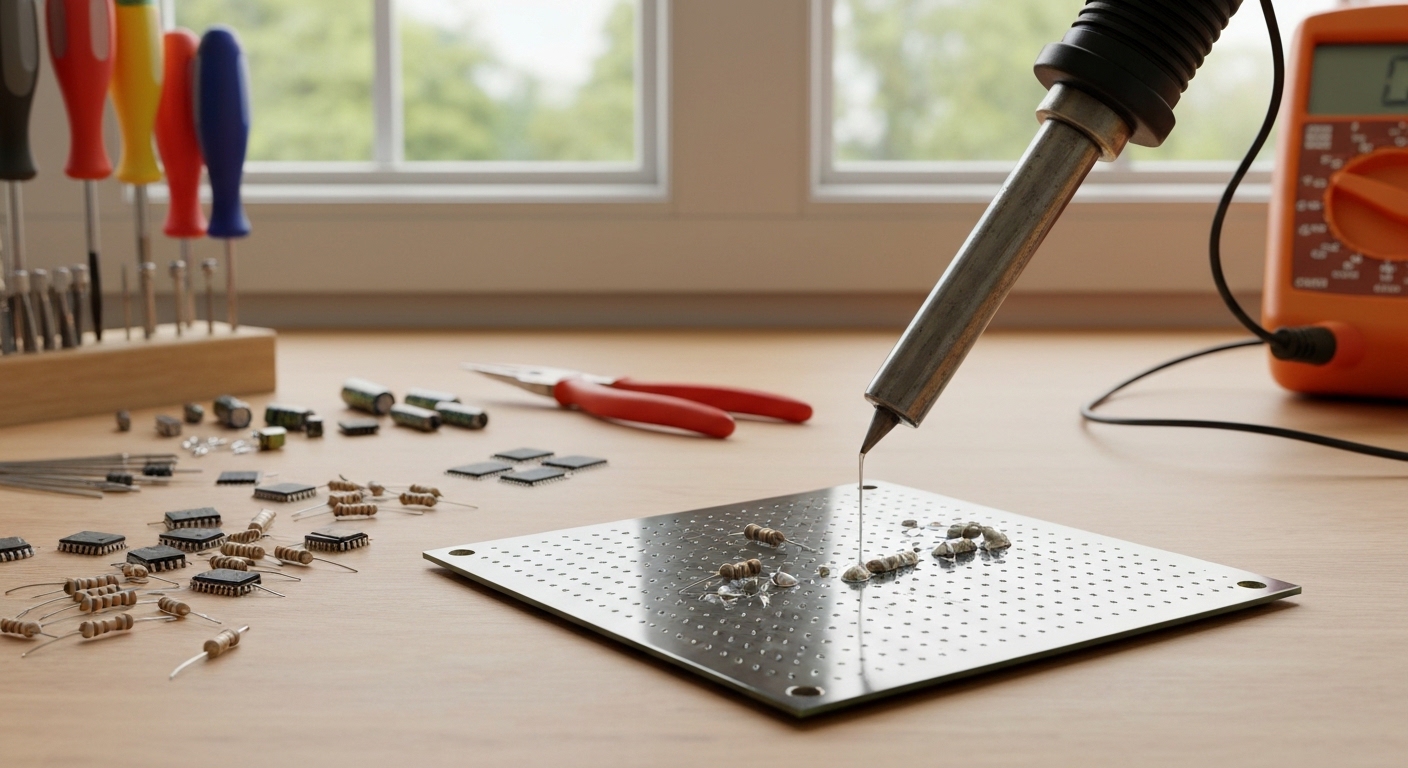
Through-hole components have wire leads that pass through holes in the PCB. This is the easiest type of soldering and where everyone should start.
Step 1: Insert the component. Push the component leads through the correct holes from the top (component side) of the PCB. Bend the leads slightly on the back (solder side) to hold the component in place.
Step 2: Heat the joint. Place the flat of your chisel tip so it touches both the component lead AND the copper pad simultaneously. You need to heat both for the solder to bond to both.
Step 3: Apply solder. After 1-2 seconds of heating, touch the solder wire to the junction where the lead meets the pad — not to the iron tip directly. The solder should melt and flow around the joint, wicking into the gap between the lead and pad.
Step 4: Remove the solder wire first, then the iron. The joint should form a smooth, shiny, volcano-shaped cone around the lead.
Step 5: Trim the excess lead with flush cutters, cutting just above the solder joint.
The Single Most Important Rule
Heat the work, not the solder. If you touch solder directly to the iron tip and drip it onto a cold pad, you get a “cold joint” — a dull, lumpy connection that looks like a blob and may not conduct reliably. The iron heats the pad and lead, and THEY melt the solder. This ensures proper wetting and bonding.
Recognizing Good and Bad Joints
Good Joint
- Shiny and smooth (leaded) or slightly matte but smooth (lead-free)
- Concave/volcano-shaped — rises to the lead then slopes down to the pad
- Fully covers the pad ring
- Lead is visible protruding from the top of the cone
Cold Joint
- Dull, grainy, or rough surface
- Blob-shaped with no defined cone
- Fix: Reheat the joint (add a touch of fresh flux if needed) and let it reflow
Too Much Solder
- Large rounded blob that obscures the pad and may bridge to adjacent pads
- Fix: Use solder wick to remove excess. Press the wick onto the joint, heat from above with the iron, and the wick will absorb the solder.
Too Little Solder
- Concave but does not fully cover the pad; lead may move
- Fix: Reheat and add a small amount of solder
Solder Bridge
- Two adjacent pads connected by solder where they should not be
- Fix: Drag a clean, tinned tip between the pads. The surface tension will pull excess solder onto the tip. Or use solder wick.
Basic SMD Soldering
Surface mount devices (SMD) sit on top of the PCB rather than passing through holes. Modern electronics overwhelmingly use SMD components, so it is worth learning the basics even as a beginner.
SMD Technique: Drag Soldering (for multi-pin ICs)
- Apply flux generously to the pads.
- Tack one corner pin by applying a small amount of solder to one pad, then positioning the chip and heating that pad to secure it.
- Verify alignment under magnification. If the chip is crooked, reheat the tacked pin and adjust.
- Tack the opposite corner to lock alignment.
- Apply solder to your tip and drag it slowly along the row of pins. The flux will help the solder flow to each pin and resist bridging.
- Inspect under magnification and clean up any bridges with flux and a clean tip drag.
SMD Component Sizes for Beginners
If you are choosing components for a personal project, stick with 0805 or 1206 size resistors and capacitors. These are large enough to handle with normal tools and eyesight. Anything below 0603 requires magnification and tweezers.
Pro Tips for Better Soldering
- Keep your tip clean. Wipe on the brass cleaner every few joints. A dirty tip transfers heat poorly.
- Re-tin the tip before putting the iron away. A tinned tip resists oxidation. If you store your iron with a bare tip, it will oxidize and become difficult to use next time.
- Use flux liberally. When in doubt, add more flux. It makes almost everything easier.
- Work quickly. A joint should take 2-4 seconds. If you are holding the iron on a joint for 10+ seconds, something is wrong. You will overheat the component and damage the board.
- Practice on junk. Buy a cheap practice PCB kit (search “soldering practice kit” — they cost $5-10 and come with various components to solder). This is far better than practicing on a project you care about.
- Temperature is not the fix for everything. If solder is not flowing, the problem is usually dirty surfaces or insufficient flux, not low temperature. Cranking the heat too high damages components and burns flux before it can work.
Common Beginner Mistakes
Lifting Pads
Applying too much force or heat to a PCB pad can delaminate it from the board. Once lifted, it is very difficult to repair. Work gently and keep heat exposure brief.
Overheating Components
LEDs, transistors, and ICs can be damaged by excessive heat. If a component’s datasheet specifies a maximum soldering time, respect it. For sensitive components, heat sinks (just clip a small alligator clip to the lead between the iron and the component) absorb excess heat.
Not Using Enough Light
Soldering under poor lighting leads to poor joints and missed bridges. A bright desk lamp positioned to eliminate shadows on your work area makes a huge difference.
Recommended Practice Projects
Once you are comfortable making basic joints, try these projects to build skills:
- Soldering practice kit — build a simple LED flasher or electronic dice kit
- Arduino shield kit — solder headers and components onto a PCB that plugs into your Arduino
- Mechanical keyboard — soldering switches into a keyboard PCB is excellent repetitive practice (you will make 60-100+ joints)
- Guitar pedal kit — combines through-hole soldering with a practical end result
Your Toolkit Checklist
Here is the minimum-spend path to a complete soldering setup:
- Temperature-controlled iron (Pinecil V2 or equivalent) — $25-30
- Rosin-core solder, 0.8mm, 60/40 — $10-15
- Brass tip cleaner — $5
- Silicone work mat — $8
- Helping hands or PCB holder — $10
- Flush cutters — $5-8
- Solder wick — $3-5
- Practice PCB kit — $5-10
Total: approximately $70-90 — and most of these tools will last for years.
Soldering is one of those foundational skills that unlocks entire categories of projects. Once you can make clean joints, you can build, repair, and modify electronics that would otherwise be impossible. Grab an iron, melt some solder, and make something permanent.
Frequently Asked Questions
Is soldering difficult to learn?
Soldering is easier than most people expect. The basic technique of heating a joint and applying solder can be learned in under an hour with a practice board. Making consistently clean joints takes a few hours of practice, and most beginners are comfortable enough to tackle real projects within an afternoon. The key is understanding the fundamental rule: heat the work, not the solder.
Is lead solder safe to use at home?
Leaded solder (60/40 or 63/37) is safe for hobby use when basic precautions are followed. Work in a ventilated area or use a fume extractor to avoid inhaling rosin flux fumes, wash your hands thoroughly after handling solder, and never eat or drink at your soldering workstation. The primary risk is ingestion, not skin contact or fume exposure, so hand hygiene is the most important safety measure.
What temperature should I set my soldering iron to?
For leaded solder (60/40 or 63/37), set your iron to 350 degrees Celsius (660 degrees Fahrenheit). For lead-free solder, increase to 370 to 380 degrees Celsius (700 to 720 degrees Fahrenheit). Avoid cranking the temperature higher when solder is not flowing properly, as the issue is usually dirty surfaces or insufficient flux rather than insufficient heat. Excessive temperature damages components and burns flux.
How do I fix a cold solder joint?
A cold joint appears dull, grainy, or blob-shaped instead of shiny and cone-shaped. To fix it, apply a small amount of flux to the joint using a flux pen, then reheat the joint with your iron tip touching both the pad and the lead. The solder will reflow and form a proper bond. If there is too much solder, use solder wick to remove the excess before reflowing.